Rules Engine & Automation
Automate your ISO operations with powerful conditional logic, intelligent routing, and triggered actions.
Automate the Work That Slows You Down
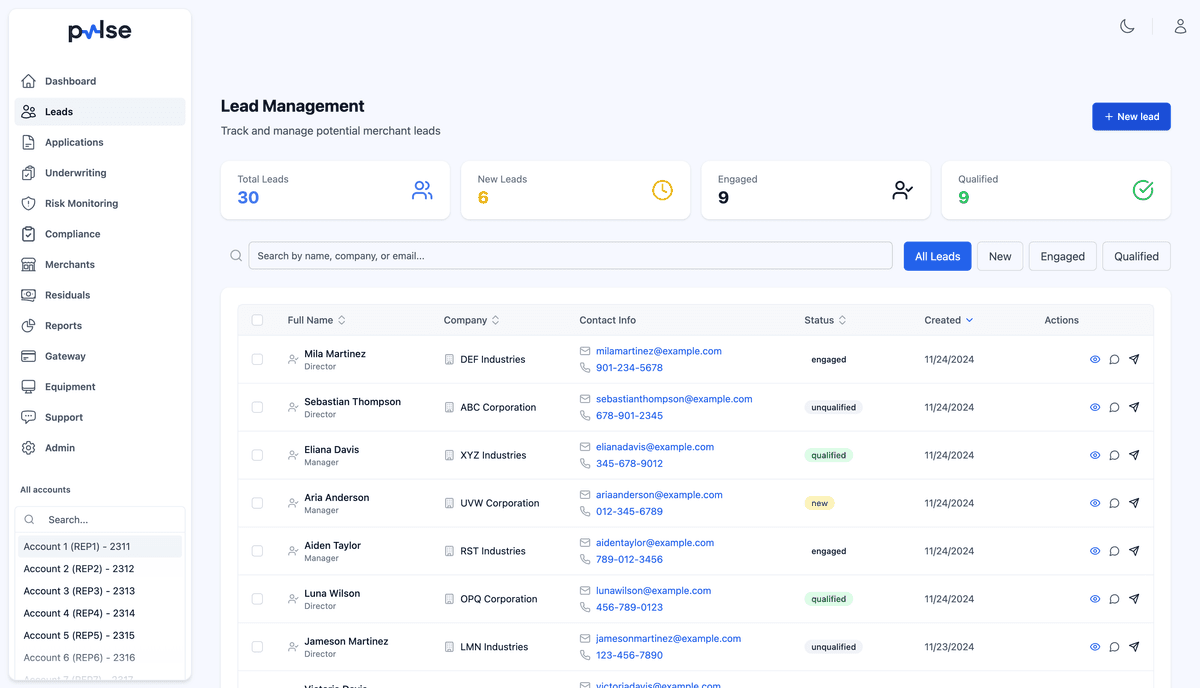
Growing ISOs face a common challenge: more merchants mean more operational overhead. Every new lead needs to be assigned, every ticket needs to be triaged, and every status change needs to trigger the right follow-up. Pulse CRM's rules engine lets you define these workflows once and let the system handle them automatically—so your sales team can focus on closing deals instead of shuffling data.
The rules engine works across every part of Pulse CRM. Route leads based on territory and capacity, auto-triage support tickets by category and priority, escalate stale applications, and trigger notifications when thresholds are crossed. Whether you are managing five reps or fifty, the same rules apply consistently to every record, every time.

Key Features
Visual Rules Engine
Build automation rules with an intuitive interface. Define conditions based on any data in your CRM—lead source, merchant category, risk score, application status, and more. Chain multiple conditions with AND/OR logic for precise control.
Conditional Logic & Branching
Create sophisticated workflows with if/then branching. Route applications through different approval paths based on risk level, auto-assign leads based on territory, or trigger different follow-up sequences based on merchant type.
Lead Rotation & Assignment
Distribute leads fairly across your sales team with configurable rotation rules. Support round-robin, weighted distribution, territory-based assignment, and capacity-based routing to maximize conversion rates.
Ticket Routing Automation
Automatically route support tickets to the right team based on ticket type, merchant category, priority level, or custom criteria. Ensure the right person handles every issue without manual triage.
Triggered Actions
Execute actions automatically when conditions are met—send notifications, update statuses, create tasks, assign team members, or trigger external webhooks. Eliminate repetitive manual work across your organization.
Notification & Alert Rules
Configure granular notification rules to keep your team informed. Alert managers when high-value leads come in, notify underwriters of pending reviews, or escalate stale tickets automatically.
Why Automate with Pulse CRM
Eliminate Manual Work
Automate repetitive tasks so your team can focus on high-value activities like closing deals and building relationships.
Consistent Processes
Rules ensure every lead, application, and ticket follows the same process every time, reducing errors and improving quality.
Faster Response Times
Automated routing and assignment means leads and tickets reach the right person immediately, not after a manual review.
Scale Without Hiring
Handle growing volume with the same team by automating the operational overhead that typically requires more headcount.
Who Benefits from Automation
Pulse CRM's rules engine is built for:
- ISOs that have outgrown manual lead assignment and ticket triage
- Sales managers wanting fair, rules-based lead distribution across territories
- Operations teams handling repetitive status updates, notifications, and data entry
- Organizations managing multiple processors with different routing requirements
- Growing ISOs that need to handle 2x the volume without 2x the staff
How the Rules Engine Works
Define Trigger
Choose the event that starts your rule—a new lead created, a ticket submitted, an application status change, a document uploaded, or any other CRM event.
Set Conditions
Add one or more conditions using AND/OR logic. Filter by lead source, merchant category, territory, risk score, ticket priority, or any field in your CRM.
Configure Actions
Define what happens when conditions are met: assign to a rep, route to a queue, send a notification, update a status, create a task, or fire a webhook.
Test & Deploy
Preview your rule against historical data to verify it works as expected. When you are confident, activate it with a single click—no code deployment needed.
Monitor & Refine
Track rule execution in the activity log. See which rules fire most often, review outcomes, and fine-tune conditions or actions based on real results.
Automation in Action
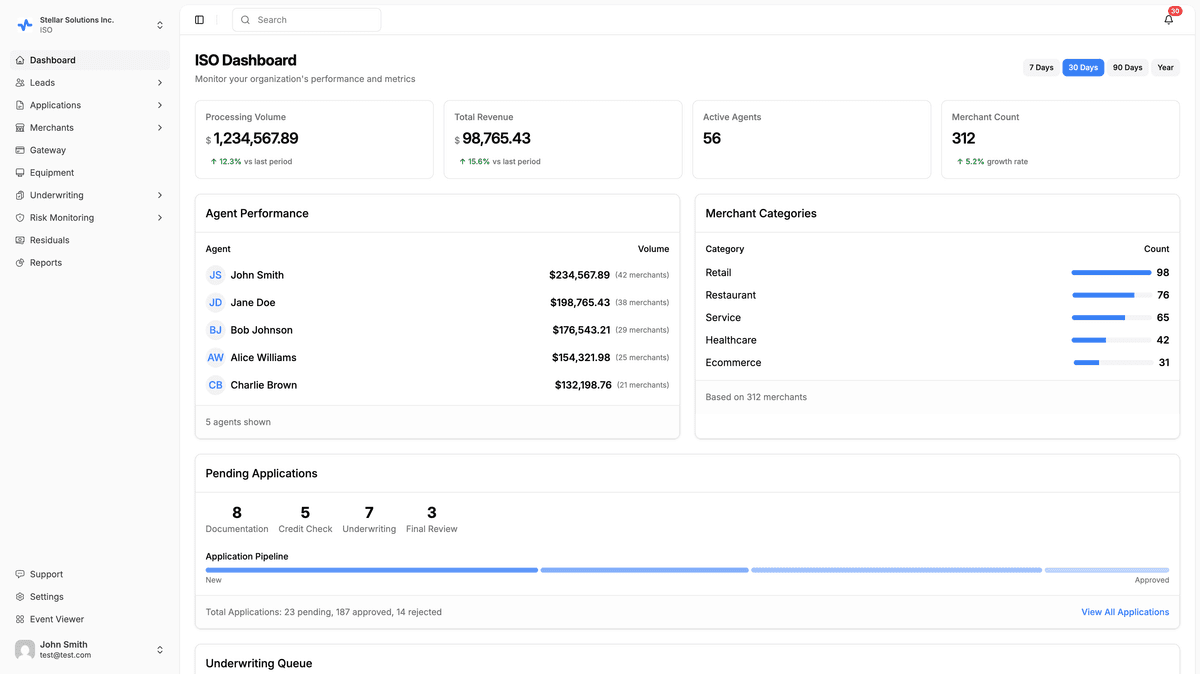
Here are just a few ways ISOs use the Pulse CRM rules engine:
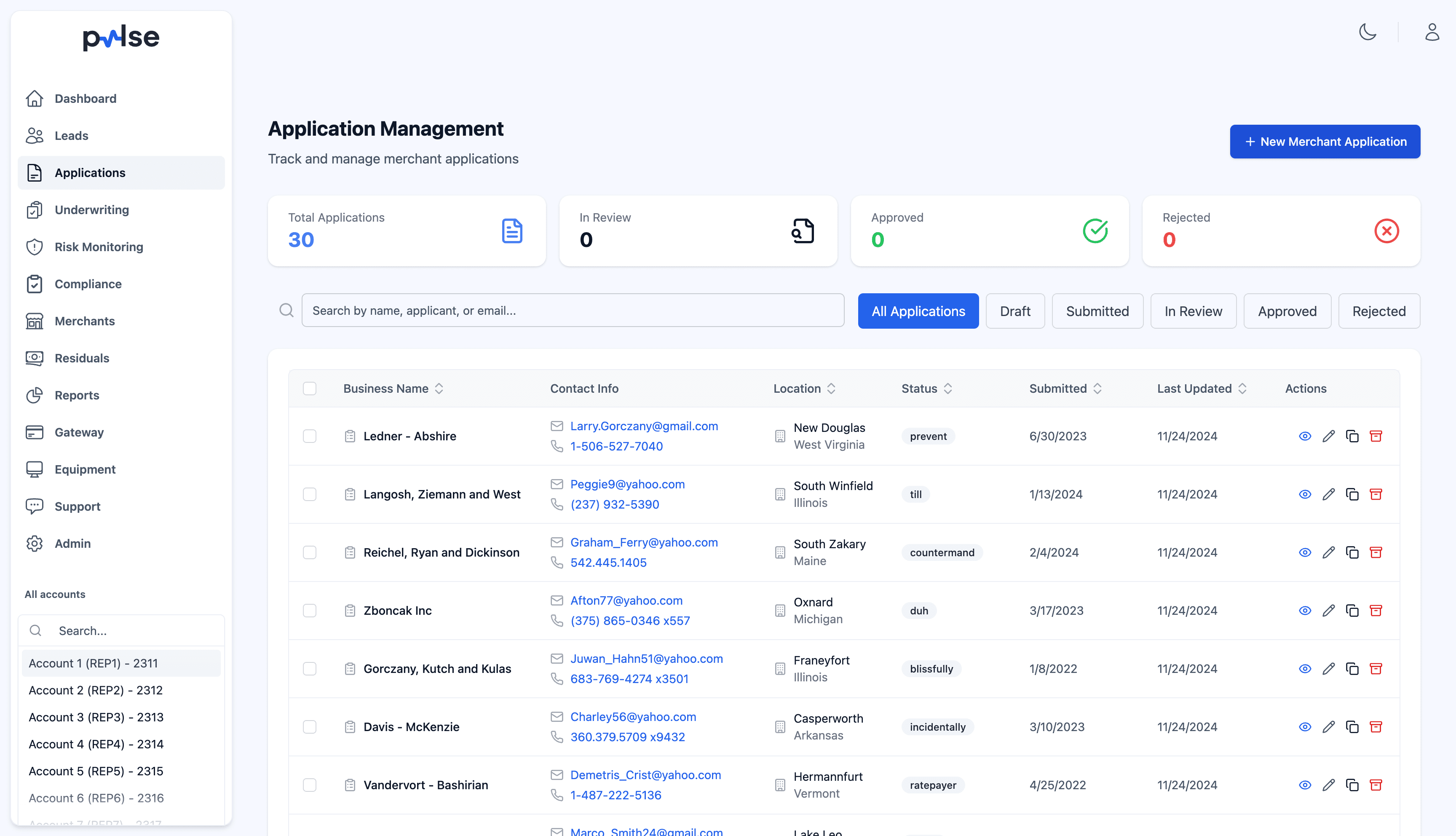
- Auto-assign leads to sales reps based on territory and capacity
- Route high-risk applications to senior underwriters automatically
- Send follow-up emails when applications are pending for more than 48 hours
- Create tickets when merchant documents are about to expire
- Escalate unresolved tickets approaching SLA deadlines
- Notify management when daily application volume exceeds thresholds
- Auto-update lead status based on engagement activity
- Trigger webhook notifications to external systems on status changes
No-Code Rule Builder
You should not need a developer to automate your operations. Pulse CRM's rule builder uses a visual, no-code interface where you select triggers from a dropdown, add conditions with point-and-click logic, and choose actions from a library of built-in operations. Build complex multi-step workflows in minutes, not days.
Every rule includes a plain-language summary so anyone on your team can understand what it does at a glance. And because rules are versioned, you can roll back to a previous configuration if something changes.
Cross-Platform Automation
Unlike siloed tools that only automate within a single module, Pulse CRM's rules engine spans your entire operation. A single rule can trigger across leads, tickets, onboarding, and underwriting—for example, when a high-risk application is flagged, simultaneously notify the underwriting team, create an investigation ticket, and pause the onboarding workflow.
This cross-platform approach eliminates the gaps between departments and ensures that every part of your organization responds to events in a coordinated, consistent way.
Explore Related Features
Sales Team Management
Automate lead rotation, territory assignment, and performance-based distribution for your sales team.
Ticketing
Route and triage support tickets automatically based on category, priority, and merchant type.
Underwriting
Trigger auto-approval rules, escalation workflows, and document requests from the rules engine.
Fraud Detection
Fire automated actions based on risk scores, fraud signals, and velocity threshold breaches.
Automate Your ISO Operations
Stop doing manually what Pulse CRM can do automatically. Our rules engine grows with your business, handling more volume without more overhead.
Ready to streamline your operations?
Join merchant services professionals who trust Pulse CRM to scale their business.